
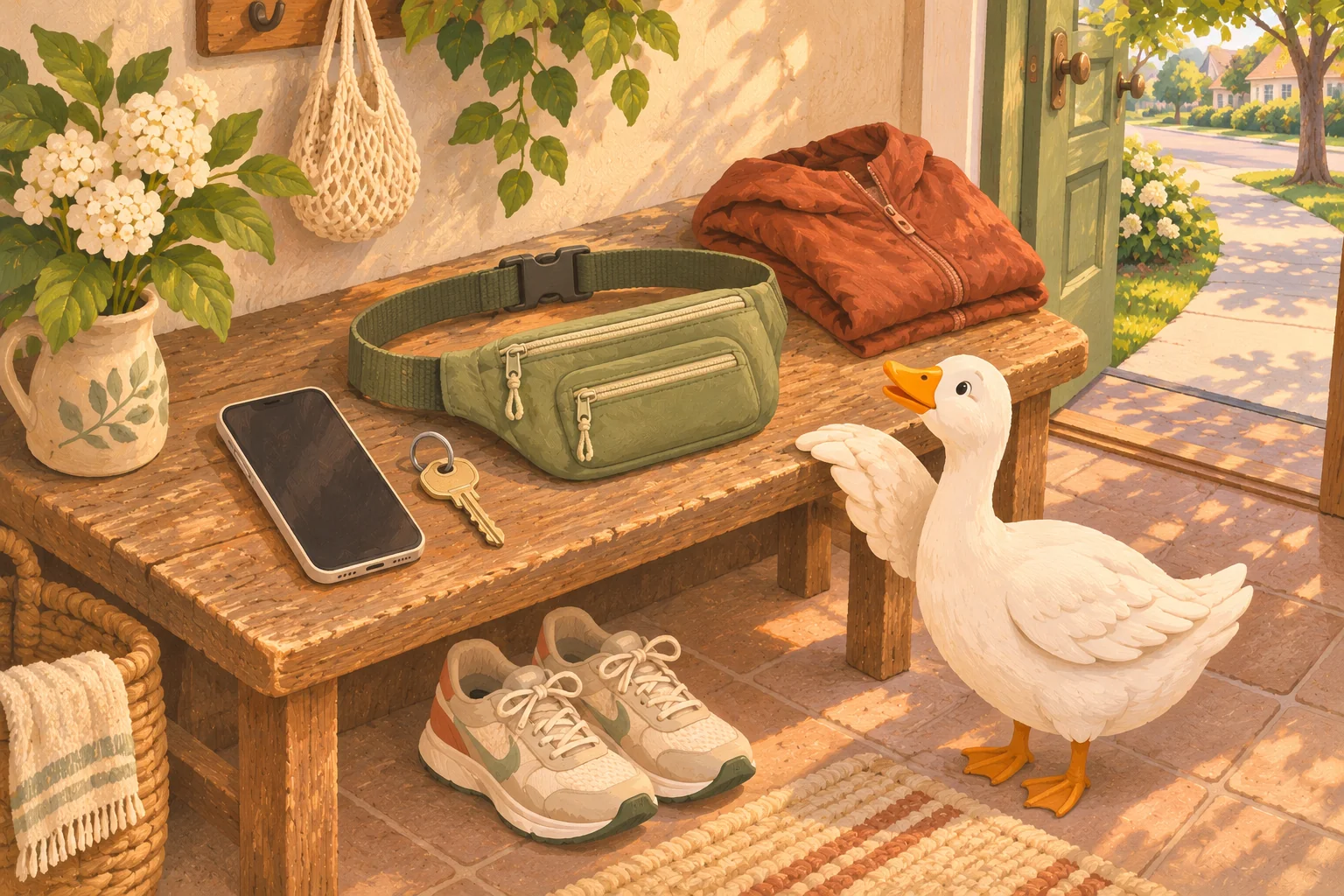
You are ready to try a short run-walk outing. Then you discover that your phone makes one pocket swing, your key is somewhere under the phone, and the clothes you were going to wear have no useful pocket at all. This is a practical problem, and it deserves a practical answer.
Start with the belongings you actually need, then test one way of carrying them near home. A comfortable setup for a short neighborhood outing does not have to look like someone else’s race kit. You also do not have to earn the right to use a belt or vest by covering a certain distance.
Decide what needs to come with you
Put your phone and the key or fob you need to get home in front of you. Add identification and whatever else your own circumstances require, such as essential medication, a travel card or water appropriate to the outing and conditions. This is a packing check, not a reason to leave necessities behind for the sake of lighter pockets.
The Road Runners Club of America recommends carrying a phone and identification, letting someone know you are out, and staying aware of your surroundings. A phone can be useful for contact and navigation, but it is not a guarantee of reception or help. Charge it before leaving and choose a route you can manage.
A key you need is essential. The decorative keyring, spare office keys and loyalty cards may not be. If you separate a key, put it back in its usual place when you return. Do not solve a pocket problem by leaving a door unlocked or hiding a key outside.
Try the clothes you already have first
Check whether a pocket closes securely and holds your phone in its case. Put the actual phone in it, not an estimate of the phone. Walk around, sit down and try a few gentle steps of jogging somewhere clear. Does the pocket pull the garment down? Does the phone move enough that you keep reaching to steady it? Can you remove it without emptying everything else?
If that works, it may be all you need. If it does not, identify the problem before buying anything. A pocket that is too small needs more space; one that swings needs better support; a hard edge pressing into you needs a different position. “Running gear” is a very large shopping category for a very specific annoyance.
Choose around the problem you need to solve, rather than a promised universal best option.
- Secure clothing pocket: Phone fits with its case; closure works; fabric stays comfortable when loaded.
- Running belt or waist pouch: Strap and buckle sit comfortably; loaded pouch stays in place; phone and key have secure storage.
- Arm carrier: Fits your arm and phone; does not pinch; you can reach the phone when stopped.
- Running vest or small pack: Fits the load and your body; adjust it with your actual belongings inside; more space is useful only if you want it.
REI’s guide describes arm pockets, belts and running packs as different ways to carry gear, with needs varying by route, weather and preference. There is no single option that must work for every body. If you can borrow a suitable carrier or try one with your phone before buying, use that chance to check the fit.
REI: ways to carry gear on a run
Do a short, loaded practice before heading farther
Pack the setup exactly as you intend to use it. A belt that feels fine empty can feel different with a phone and keys inside. Wear it with the clothes you plan to use, rather than testing it over a coat you will leave at home.
- Close every compartment and check any buckle or fastening.
- Walk, turn and bend in a clear space. Notice slipping, digging-in or anything that needs constant adjustment.
- If jogging is part of today’s plan, try a brief easy section near home. Walking the whole test is fine too.
- Stop somewhere out of the way and practice taking out the phone while the key stays secured. Put it back and close the pocket again.
If the fit needs so much tightening that it becomes uncomfortable, stop and change the arrangement. Try moving the load within the carrier, reducing nonessential bulk or choosing a different option. You do not need to spend the outing holding a loose bag against your body.
You can keep the first test to a small familiar loop. If the setup bothers you, head back and change it. That is useful information, not a failed run.
A simple checklist for your first outing
Give the key a secure place of its own
REI recommends using a carrier’s intended key clip or loop inside a zippered compartment, or at least a closed zip pocket. Check that yours is properly attached before leaving. Keeping the key in a separate compartment also lets you get your phone out without bringing everything else with it.
When there is only one compartment, pause and handle it carefully. Open it somewhere you can see what is inside, with the opening upright. Avoid the one-handed rummage while moving. If the key repeatedly catches on the phone or falls toward the opening, change the storage arrangement before the next outing.
Make the return routine simple too: key back on its usual hook, phone out of the carrier, damp fabric left to dry according to its care instructions. Having to search yesterday’s running clothes should not be the first task of tomorrow’s run.
Keep the phone useful and protected
Choose protection appropriate to your phone and the conditions. Do not assume an ordinary fabric pouch is waterproof. Apple notes that iPhone water resistance can decrease with normal wear; check your own manufacturer’s guidance and the carrier’s stated protection. If the phone gets wet, follow the manufacturer’s drying and charging instructions.
Apple: understanding iPhone water resistance
Set up your session before you leave or while standing somewhere clear. If you need to read a map, change an option or reply to a message, stop out of other people’s way first. A useful pocket lets you put the phone away again rather than holding it for the entire outing.
If you use audio, keep enough awareness to hear and respond to what is happening nearby; the RRCA specifically advises maintaining awareness when using headphones. Check the rules of any event or group you join. You can also choose an outing without audio.
Waddle offers guided run-walk intervals and adjustable effort if you would like a plan to follow. Choose your carrying setup around your own comfort and access needs. An app does not require you to accept a bouncing pocket or keep looking at a screen.
Once the phone and key have a reliable place, let the outing be small. You have solved the getting-out-the-door problem. The rest can be a walk, a few manageable running intervals, or a route you already know.
Start running with room for walking
Sources and further reading
We use plain language and conservative beginner guidance. These sources provide additional public-health and clinical context.
This guide is general educational information, not medical advice. A qualified professional can help you adapt activity to your health, symptoms, or injury history.